
Learn Microsoft Word from basics to advanced and build strong document creation skills.
Understand formatting, styles, and layouts to create professional-looking documents.
Work with tables, images, headers, and footers to enhance your content.
Improve productivity using shortcuts, templates, and advanced tools.
By the end, confidently create reports, resumes, and business documents.
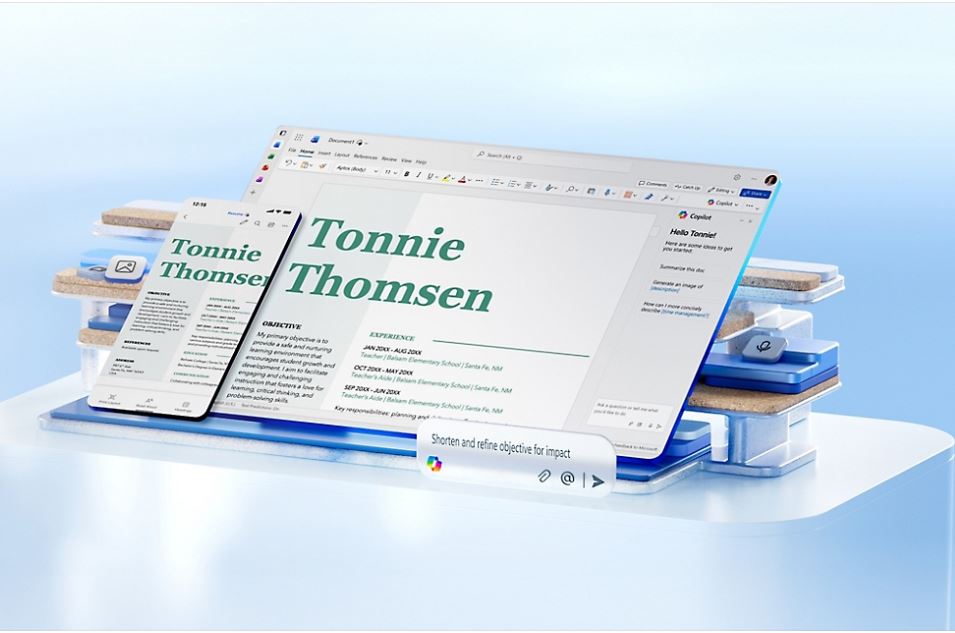
About Course
What Will You Learn?
- Understand Microsoft Word interface and tools
- Create and format professional documents
- Use fonts, styles, and paragraph formatting
- Insert tables, images, shapes, and charts
- Design resumes, letters, and reports
- Use page layout and margin settings properly
- Create headers, footers, and page numbers
- Use mail merge for bulk letters
- Apply document review tools (Track Changes, Comments)
- Save, export, and print documents professionally
Course Content
Microsoft Word – Beginner to Advanced Course Index
Module 1: Introduction to MS Word (Beginner Level)
-
Microsoft Office
-
Introduction to Microsoft Word
-
Features and Uses of MS Word
-
Starting MS Word
-
Understanding the Interface
-
Title Bar
-
Quick Access Toolbar
-
Ribbon & Tabs
-
File Tab (Backstage View)
-
Status Bar
-
Creating a New Document
-
Opening, Saving & Closing Documents
-
Save As Option
-
File Formats (.docx, .pdf, .doc)
Module 2: Basic Editing & Formatting
-
Typing and Editing Text
-
Selecting Text
-
Cut, Copy & Paste
-
Undo & Redo
-
Font Formatting
-
Font Style, Size, Color
-
Bold, Italic, Underline
-
Text Highlight
-
Spelling & Grammar
-
Alignment (Left, Center, Right, Justify)
-
Line & Paragraph Spacing
-
Indentation
-
Bullets & Numbering
-
Borders and Shading
Module 3: Review & Proofing Tools
-
Thesaurus
-
Word Count
-
Translate
-
Comments
-
Track Changes
-
Accept/Reject Changes
-
Compare Documents
-
Restrict Editing
Module 4: Page Setup & Document Formatting
-
Page Margins
-
Page Orientation (Portrait & Landscape)
-
Paper Size
-
Columns
-
Page Break
-
Section Break
-
Page Color & Page Borders
-
Watermark
Module 5: Insert Tab Features
-
Insert Cover Page
-
Blank Page
-
Tables
-
Pictures & Online Pictures
-
Shapes
-
SmartArt
-
Charts
-
Screenshot
-
Hyperlink
-
Header & Footer
-
Date & Time
-
Text Box
-
WordArt
-
Symbols & Equations
Module 6: Working with Tables
-
Create Table
-
Inserting table
-
Insert/Delete Rows & Columns
-
Merge & Split Cells
-
Table Design & Styles
-
Sorting Data in Table
-
Convert Text to Table
-
Formula in Table
Module 7: References & Mailings (Intermediate Level)
-
Table of Contents
-
Footnotes & Endnotes
-
Citations & Bibliography
-
Captions
-
Cross References
-
Mail Merge
Module 8: Advanced Features
-
Styles & Themes
-
Create & Modify Styles
-
Templates
-
Creating Forms
-
Content Controls
-
Protect Document
-
Digital Signature
-
Macros (Introduction)
-
Record & Run Macro
-
AutoCorrect & AutoText
-
Find & Replace (Advanced)
-
Navigation Pane
-
Document Inspector
-
Compatibility Mode
Module 9: Printing & Sharing
-
Print Preview
-
Print Settings
-
Print Selection
-
Print Multiple Copies
-
Save as PDF
-
Share via Email
-
Export Document
Student Ratings & Reviews

No Review Yet
