
Excel Tutorial
0/16
Excel Formatting
0/8
Excel Data Analysis
0/11
Table Pivot
0/1
Excel Case
0/2
Excel Functions
0/30
Grids
By default, gridlines are displayed in Excel.
However, grids can be removed.
Why remove grids?
- Make the spreadsheet more readable
- Make the spreadsheet more delicate
How to remove grids
- Click view in the Ribbon navigation bar
- Uncheck gridlines

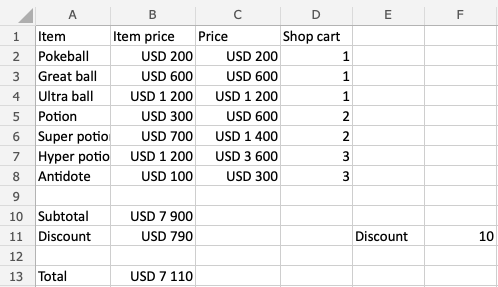
Example before removing gridlines:
Example after:
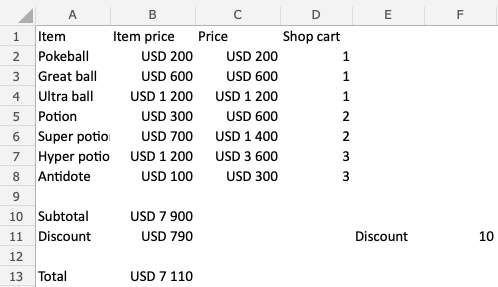
Note: Removing gridlines, removes gridlines for all cells in the spreadsheet.
