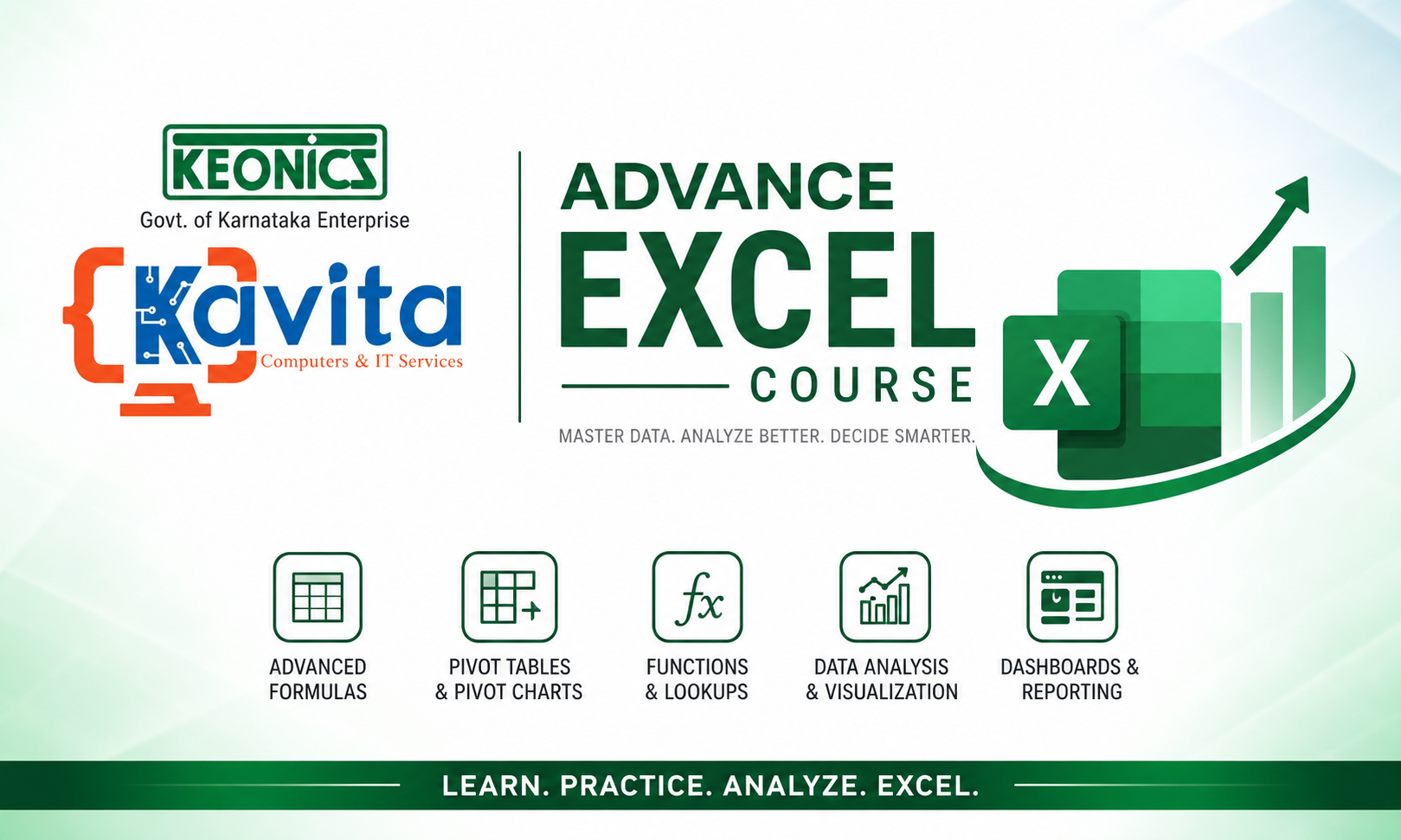
About Course
Advanced Microsoft Excel Course
Welcome to the Advanced Microsoft Excel Course, a comprehensive training program designed to help students, professionals, business owners, accountants, data analysts, and job seekers master Excel from basic to advanced levels.
This course covers everything from Excel fundamentals to advanced formulas, functions, data analysis, Pivot Tables, dashboards, automation, and real-world projects. Through practical examples and hands-on exercises, learners will gain the confidence to use Excel efficiently in academic, professional, and business environments.
What You Will Learn
- Understand the Excel interface and workbook structure.
- Enter, edit, and format data professionally.
- Create and use formulas and functions effectively.
- Apply logical, text, date, and lookup functions.
- Manage large datasets using sorting, filtering, and validation tools.
- Create professional Pivot Tables and Pivot Charts.
- Design attractive charts and dashboards.
- Perform advanced data analysis using Excel tools.
- Automate repetitive tasks using Macros.
- Work on real-world Excel projects and reports.
Course Structure
- Introduction to Microsoft Excel
- Data Entry and Formatting
- Formulas and Basic Functions
- Logical and Text Functions
- Date, Time, and Lookup Functions
- Data Management Tools
- Excel Tables and Pivot Tables
- Charts and Data Visualization
- Advanced Excel Features
- Automation, Dashboards, and Projects
Who Can Join This Course?
- Students and Graduates
- Office Administrators
- Accountants and Finance Professionals
- Business Owners and Entrepreneurs
- Data Entry Operators
- HR Professionals
- Data Analysts
- Anyone who wants to improve Excel skills
Course Requirements
- Basic computer knowledge.
- Microsoft Excel installed on your computer.
- Willingness to practice with exercises and projects.
- No prior Excel experience is required.
Course Outcome
After successfully completing this course, learners will be able to create professional spreadsheets, perform advanced calculations, analyze data, generate reports, build interactive dashboards, automate tasks, and confidently use Excel in real-world business scenarios.
Career Opportunities
- Data Analyst
- MIS Executive
- Office Administrator
- Account Assistant
- Business Analyst
- HR Executive
- Operations Executive
- Reporting Specialist
Course Content
Introduction to Microsoft Excel
-
Excel Basics
-
Workbook and Cells
-
Getting Started
Data Entry and Formatting
Formulas and Basic Functions
Logical Functions
Date, Time, and Lookup Functions
Data Management Tools
Excel Tables and Pivot Tables
Charts and Data Visualization
Advanced Excel Features
Automation
Projects
Student Ratings & Reviews